Hi3dai
English

Blender asset workflow

Build faster Blender starting points with hi3d for blender

hi3d for blender helps artists move from a reference image or concept to a workable 3D starting point before the detailed Blender pass. Generate an initial form, inspect its proportions, then bring the asset into your existing scene for retopology, materials, rigging, animation, or rendering.

Reference to mesh
Start from a visual concept
Blender-ready handoff
Continue in your familiar scene
Review first
Keep artistic control at every step
Try hi3d

Pipeline fit

the audience's existing pipeline

hi3d works best as an upstream accelerator: it gives Blender users a concrete form to evaluate instead of asking them to replace the tools they already trust.

Character artist

You have a front-facing concept, mood board, or turnaround sketch but need a proportioned base before sculpting. Generate a rough character form, then refine anatomy, clothing, and expression in Blender.

Spend more time on the distinctive design and less time blocking a neutral mannequin from scratch.
hi3d for 3d printing

Game asset creator

A design review calls for several prop variations before production. Use hi3d to explore silhouettes and broad volume, select the strongest direction, and rebuild or clean it for your game-ready budget.

Compare ideas earlier while keeping Blender as the place for topology, UVs, materials, LODs, and export checks.

hi3d for 3d printing

Freelance generalist

A client supplies a product photo or loose reference and expects a visual mockup quickly. Create a first-pass object, place it in a Blender scene, and use lighting and camera work to test the presentation.

Reach a credible review image sooner without treating the generated mesh as the final production asset.

hi3d for 3d printing

Educator or learner

You want to demonstrate the full path from idea to modeled object without spending an entire lesson on primitive placement. Generate a starting mesh, inspect it, and teach the decisions that make it usable.

Turn abstract modeling concepts into a visible before-and-after exercise with room for students to make the final choices.

hi3d for 3d printing

Handoff logic

where we slot in

The useful division of labor is simple: hi3d handles early form exploration, while Blender remains the control room for production decisions and final delivery.

Manual Blender blockout hi3d-assisted Blender handoff
Starting input Primitives, sketches, photos, or manual interpretation A text or image reference used to propose an initial 3D form
First visible result A deliberately assembled blockout built by the artist A generated mesh that can be inspected, selected, and reshaped
Topology control Available immediately through manual modeling choices Requires Blender review, cleanup, and often retopology before production
Shape exploration Accurate but slower when many alternatives are needed Useful for quickly comparing broad silhouettes and proportions
Materials and shading Built directly with Blender's familiar node and texture tools Applied or rebuilt after import as part of the Blender look-development pass
Rigging and animation Prepared according to the artist's intended deformation needs Handled in Blender after checking joints, scale, and mesh suitability
Best use Final modeling, controlled topology, and hero assets Concept iteration, rough forms, and a faster route into detailed work
Artist ownership Every decision is authored manually from the beginning The artist keeps the generated result as a proposal, not an unquestioned final

Mesh maturity

before/after

The comparison is not about accepting an untouched output. It is about moving from an empty scene or loose reference to a tangible base that can receive an intentional Blender pass.

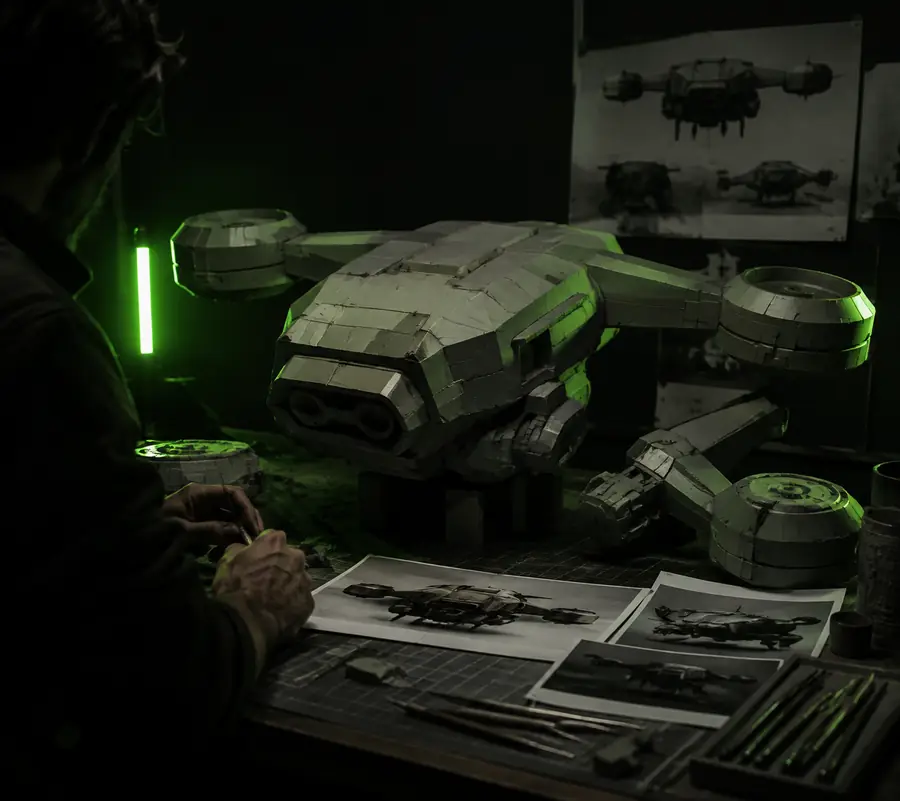
Early 3D asset concept before Blender cleanup
Before: loose concept or rough blockout
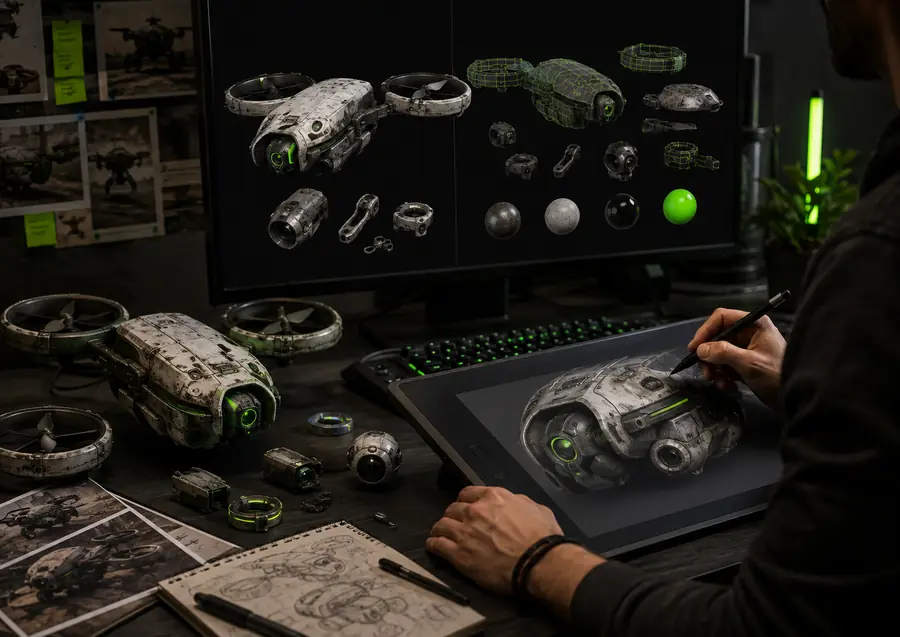
Detailed 3D asset shown with a technical grid after refinement
After: reviewed asset in a Blender workflow

Use the generated form to judge scale, silhouette, and design direction first. Before animation, real-time use, or close-up rendering, inspect normals, remove unwanted geometry, establish clean topology, confirm dimensions, and rebuild materials where needed.

Before: loose concept or rough blockoutAfter: reviewed asset in a Blender workflow

Iteration estimate

deliverable spec

Use the slider as a planning prompt for a small batch of reference-driven assets. The figures are estimates for deciding whether an early generated pass is worthwhile, not a guarantee of final production quality.

Estimated mesh review size

MB

Estimated manual cost avoided

USD-equivalent

Estimated time saved on first blockout

minutes