Hi3dai
English

Prompt to model

Build 3D Assets with hi3d text to 3d

hi3d text to 3d turns a focused description into a starting 3D asset, helping creators move from an idea to something they can inspect, refine, and use.

Words in
Describe the object, style, and purpose
3D out
Review a model draft instead of a blank canvas
Fast start
Useful for concepts, variations, and prototypes
Try Hi3d

Why use text

A faster first draft from words

Text generation is most useful when you need a shape to react to quickly. It gives different creators a practical starting point without replacing their judgment.

Game designers

Describe a creature, prop, collectible, or environment object before committing to a detailed production pass.

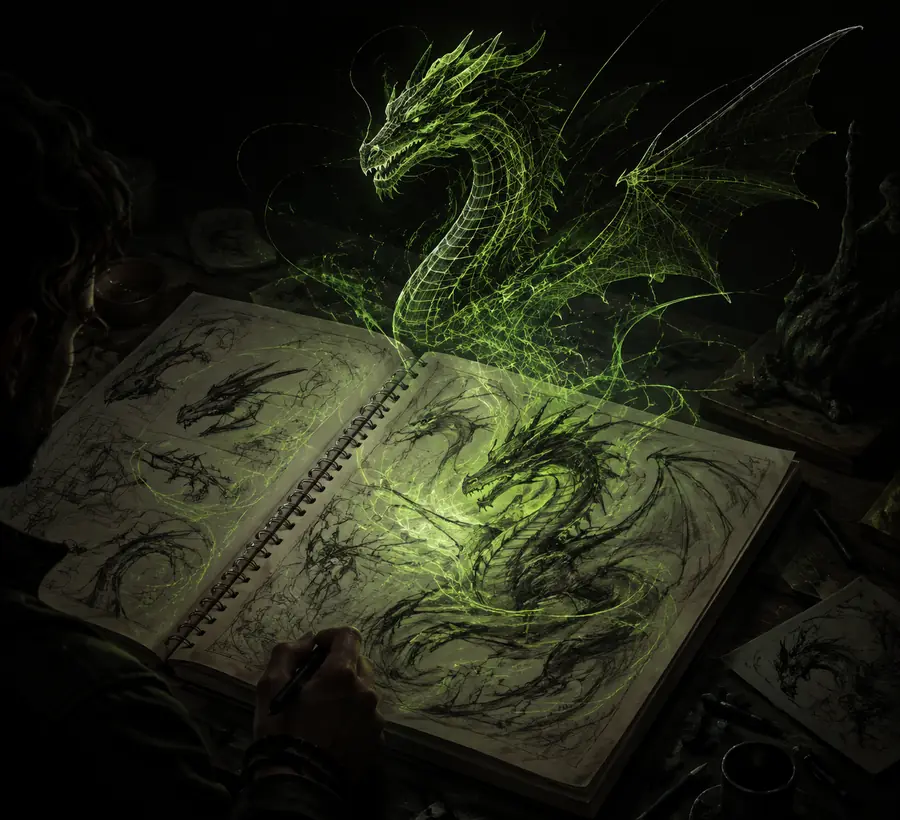
Explore silhouette and style options early, then keep the strongest direction for refinement. For image-led references, compare it with hi3d image to 3d.
hi3d image to 3d

Product concept teams

Turn a short brief such as a rounded desk lamp with a weighted base into a visual object for an early discussion.

Make abstract ideas easier to review with teammates before precise dimensions, materials, and manufacturing constraints are finalized.

hi3d image to 3d

3D beginners

Start with a plain-language description instead of learning every modeling tool before seeing a result.

Use the first model as a reference for proportions, parts, and vocabulary while building skill through hands-on edits.

hi3d image to 3d

Prompt mechanics

Three prompt mechanisms

The quality of a text-generated model depends less on poetic language than on useful structure. Give the generator an object, a visual direction, and a practical constraint.

  1. 1

    Name the subject

    Begin with one clear noun phrase: a low-poly astronaut cat, a ceramic mug, or a compact sci-fi rover. Avoid combining unrelated subjects in the first attempt.

  2. 2

    Shape the appearance

    Add form and style cues such as chunky proportions, smooth edges, panel lines, carved wood, cartoon styling, or realistic surface detail.

  3. 3

    State the intended use

    Mention whether the asset is a game prop, figurine, display object, or concept draft. This helps you judge the result against a real purpose.

Planning estimate

How it works

Use this simple estimate to see how a text-first workflow can scale across a small batch of ideas. It is a planning aid, not a promise of identical output.

Estimated file review size

MB

Estimated compute cost

units

Time saved versus rough blocking

min

Set expectations

Limits and edges

Text-to-3D is a strong ideation route, but it is not a substitute for measurement, topology planning, or a final art and engineering review.

1

Exact dimensions are uncertain

A prompt can request a small box or a tall chair, but natural language does not reliably establish production-grade measurements.

What to do instead

Treat the result as a proportion reference and set precise dimensions in your modeling or CAD workflow.

2

Hidden surfaces may be improvised

The visible idea may be convincing while the underside, back, interior, or contact points are incomplete or inconsistent.

What to do instead

Inspect the complete model from multiple angles and repair unseen areas before export or fabrication.

3

Complex assemblies can merge

Closely packed parts, thin components, or articulated mechanisms may appear fused when the prompt asks for too much structure at once.

What to do instead

Generate a simpler base, separate major parts, and rebuild critical joints manually.

4

Style words do not guarantee topology

Terms such as low-poly, smooth, or game-ready describe appearance more reliably than clean edge flow or animation-ready deformation.

What to do instead

Retopologize, simplify, or validate the asset in your target application before production use.

Visual check

From words to a model draft

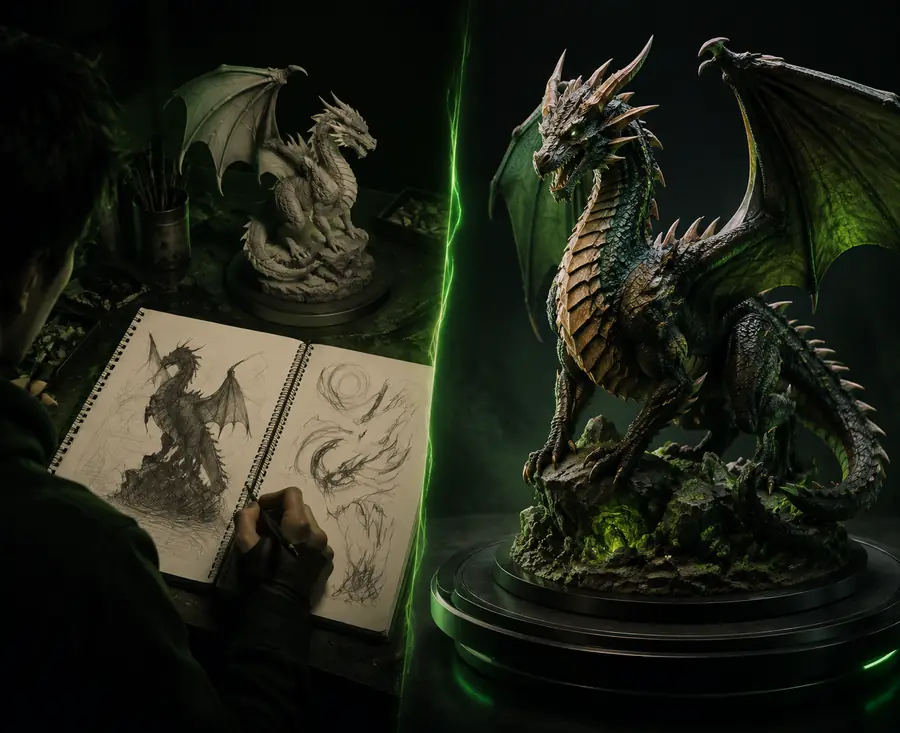
A prompt gives direction; the generated result gives you something concrete to critique. Use the contrast below as a reminder to evaluate structure, not just the thumbnail.

A creative workflow beginning with a written visual idea
Written concept
A generated 3D model prepared for further review
3D starting point

The first draft is valuable because it makes decisions visible. Check silhouette, balance, openings, thickness, and the relationship between separate parts before investing in detail.

Written concept3D starting point